Installation Error Code 2503
When installing the spacedesk Driver Package fails and the error looks similar to the image below: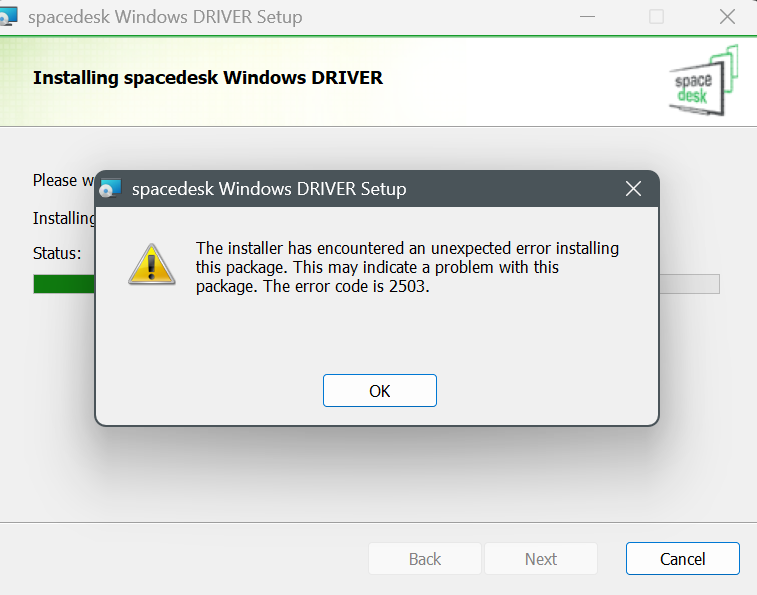
Please do the following steps below:
1. Open Windows File Explorer and navigate to C:\Windows
2. Look for the "Temp" folder, right-click on it, and click on Properties.
3. Click on Security, then click on the Account name you're logged in as.
4. On the Permissions section below, check if your account has Full Control.
5. If your Account does not have Full Control, click Edit...
6. Click on the Allow checkbox next to Full Control then click OK
7. Try installing the spacedesk Driver Package again